Screening Room Help
The Screening Room is the digital home of the Vista Foundation 48Hours. Here you can watch the latest entries, read reviews, and see awards.
Sign in to the Screening Room here: https://www.48hours.co.nz/screening-room/
Your screening room log-in is separate to your wrap-up form password. Once you are logged in you can add your film to the screening room and review other films.
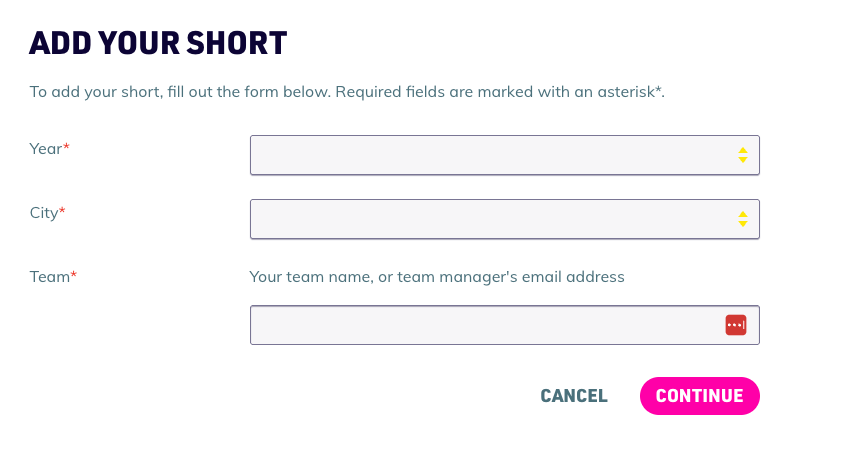
Add your short film to the screening room:
- To add your short film, you need your exact team name that matches in our database or use your team leader's email, choose the year and the region you registered under.
Films still in competition:
- Upload your film unlisted on YouTube or Vimeo.
- Create an entry in the Screening Room so you can receive reviews from the 48Hours community.
- Add the share link to your unlisted YouTube or Vimeo link.
- Upload a .JPG thumbnail image to represent your film. Note: Teams must ensure they have copyright clearance for the image or you can use your title card.
- Make sure you tick - ‘in competition’. This means your image will show up in the screening room instead of your film, This ensures you do not share your film publicly until it is out of competition.
If your film is disqualified or out of the competition:
- Upload your film publicly on YouTube or Vimeo
- Create an entry in the Screening Room so you can receive reviews from the 48Hours community.
- Add the share link to your YouTube or Vimeo link.
- Make sure you tick - ‘out of competition’ or ‘disqualified’. Once a film is marked "Out of Competition," either by the team or by an admin in the CMS, the actual video player will replace the thumbnail image.
Updates:
- Review Feeds: The latest reviews appear on every page of the Screening Room, including regional pages and the Grand Finals page once it is live.
- Self-Editing: Teams will have the ability to edit their own entries after posting.
- Awards: The 48Hours team will manually enter finalists and award winners.
Edit your existing entries:
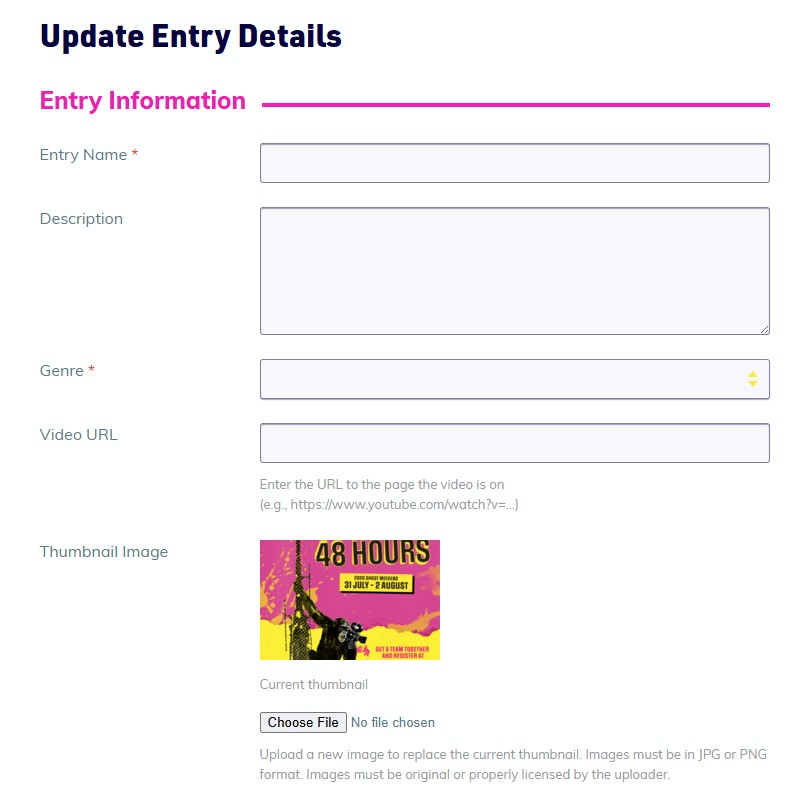
- You can find and edit your entries under - My Account.
- Select an entry and then select 'Edit' in the top right corner
- Change your details and then select Update Entry at the bottom of the page.